

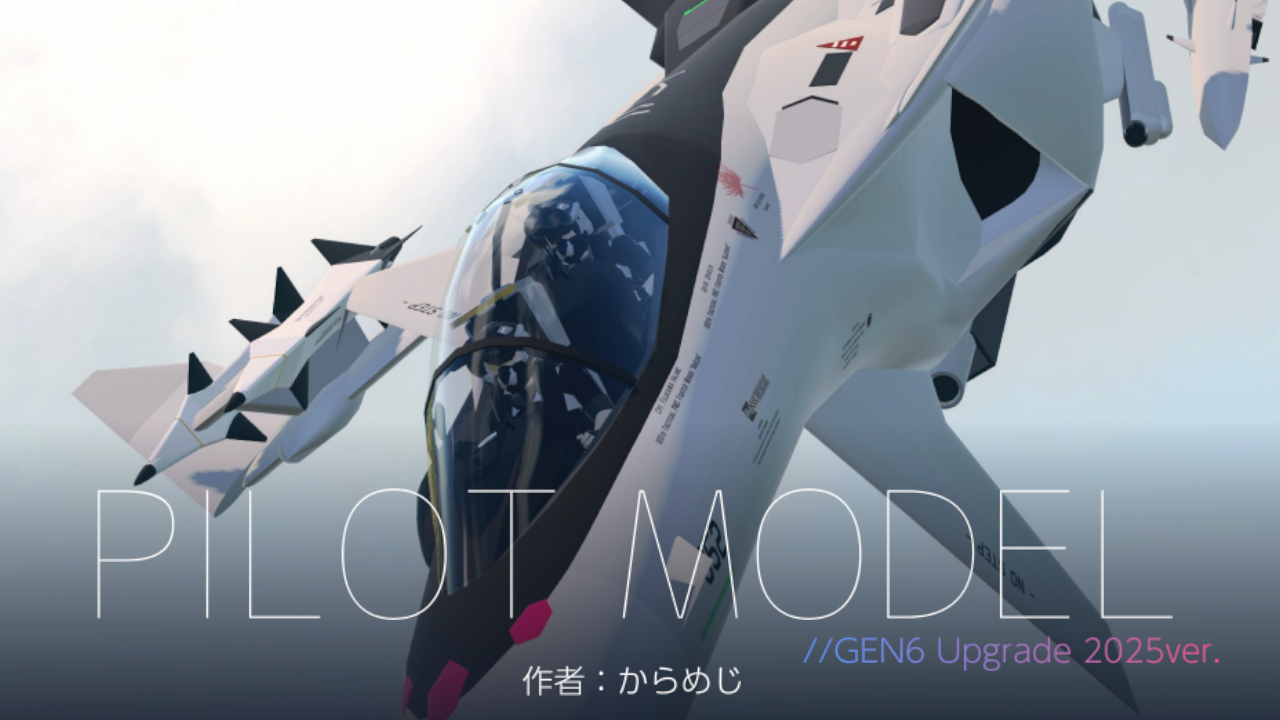

Pilot Model for Screenshot
GUIDES:
First, Remove all the connections from the
flight computer, Then grab any part of the pilot to the top left of the screen(Create Subassembly), The Pilot model should be in sub-assemblies, after that just put the pilot model anywhere you want like.
Pilot Features
With this new 2025version it also come with few more feature which which will be listed here.
- New looks
- More detailed Helmet
- Helmet Visor
- Ragdoll after Eject
- Ejection Seat(AG6)
Important Note: If you want to reposition the limb, remove a detacher in pilot chest and all limb will be lose so can be reposition. but everything need to be reconnected afterward.
Gallery:


Lastly, if there are any mistakes, I'm sorry about that.
Specifications
Spotlights
- ChihiroFujisaki 2 hours ago
General Characteristics
- Created On Windows
- Wingspan 2.3ft (0.7m)
- Length 5.3ft (1.6m)
- Height 3.8ft (1.2m)
- Empty Weight 1,001lbs (454kg)
- Loaded Weight 1,001lbs (454kg)
Performance
- Wing Loading N/A
- Wing Area 0.0ft2 (0.0m2)
- Drag Points 432
Parts
- Number of Parts 177
- Control Surfaces 0
- Performance Cost 667
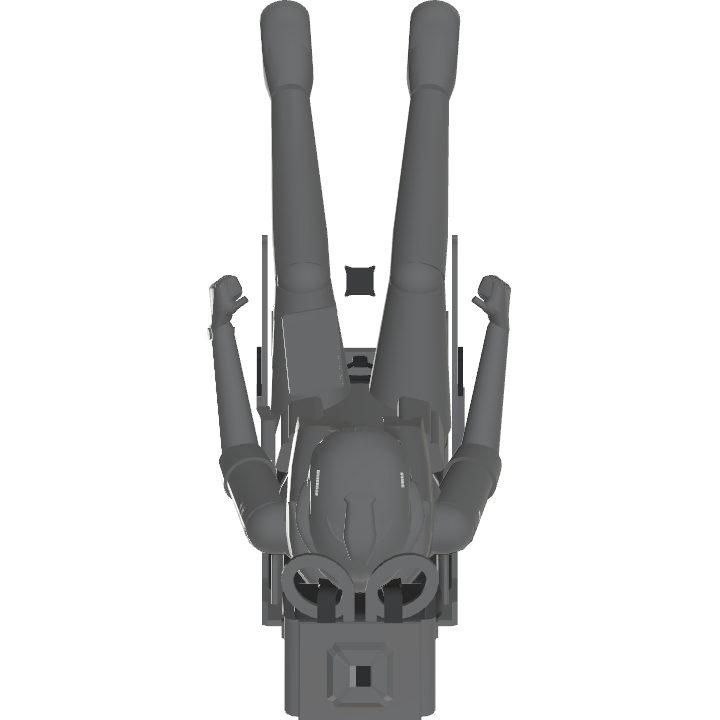
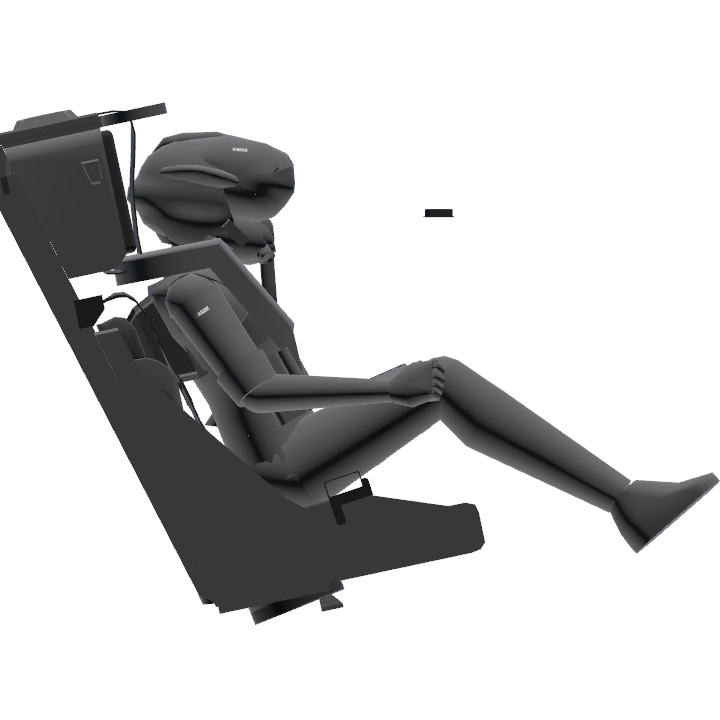
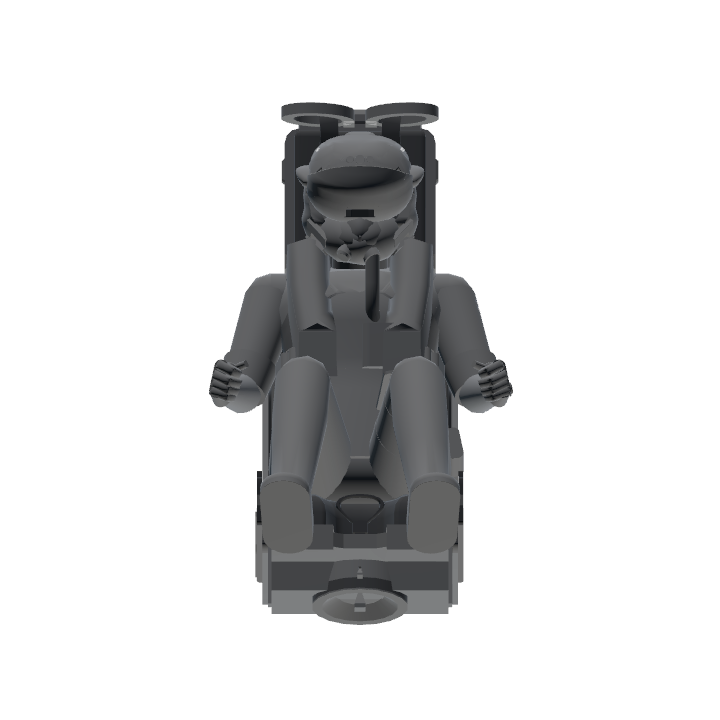
Feel free to ask me in the comment or discord if want any help
@Randomplayer
They are a man are dignity and fuselage
great work, seems pretty useful :o
cool!