

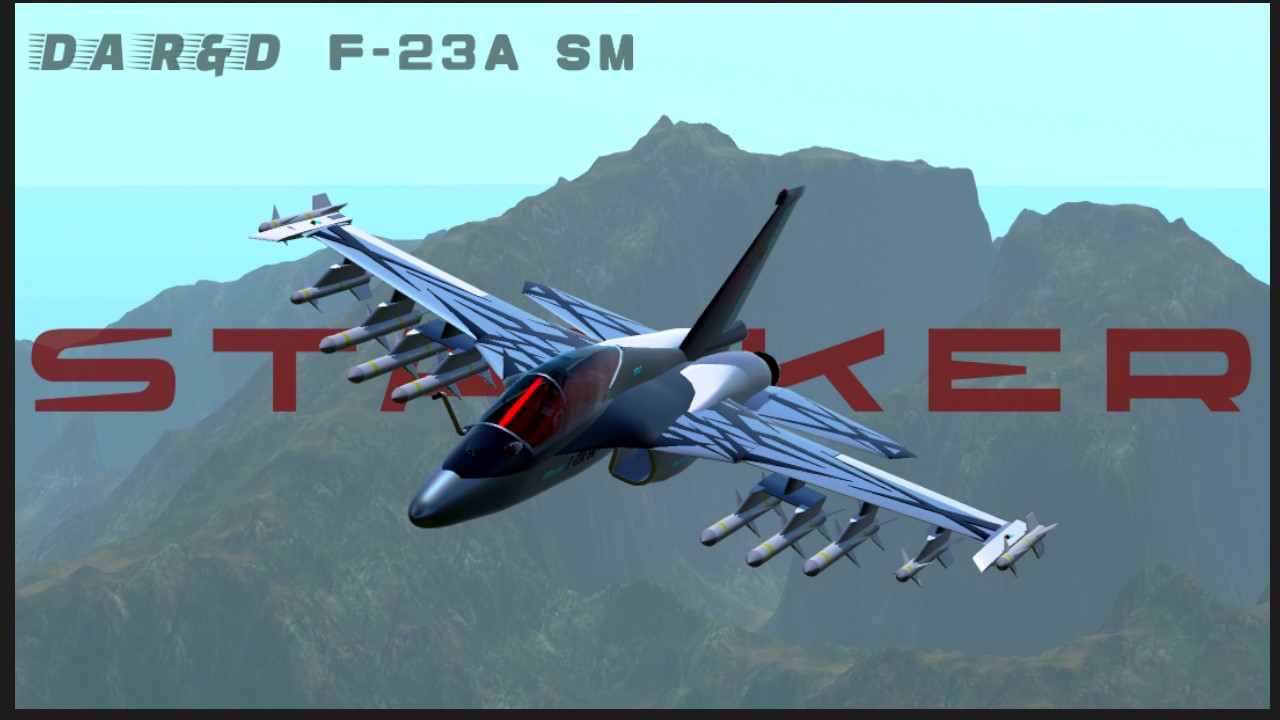
F-23A SM
"S T A L K E R"
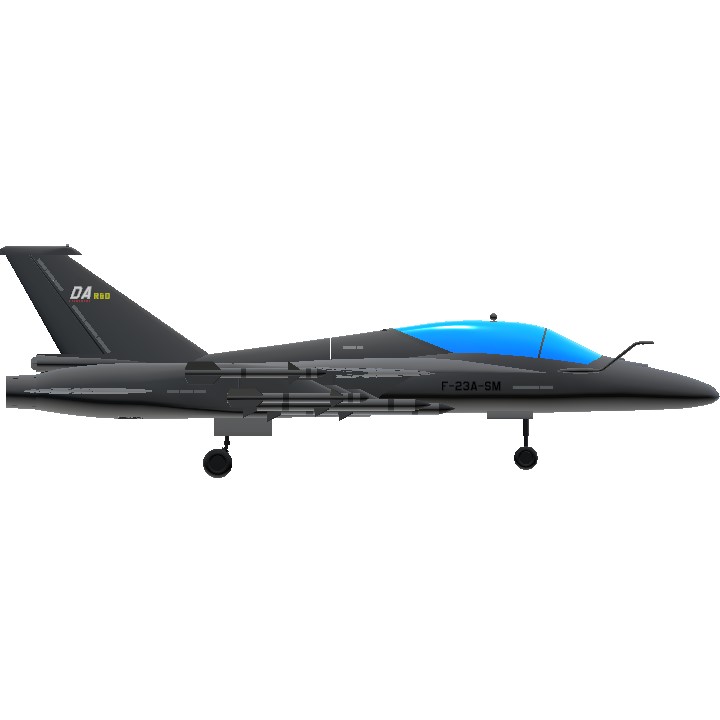
F-23A SM is the serial modernization of the YF-23 Light fighter/trainer jet developed in the mid 1970s by Dracon Aerospace company based in United Kingdoms of Nördunheim.
YF-23 was the aircraft pitched by Dracon for a light fighter program among three other jets from other companies. The aircraft, designated by the R&D division as "Stalker", was also pitched to the Nördunheim airforce. Pleased by the performance of the aircraft, the airforce placed orders for 40 YF-23A (single seat) with additional 20 YF-23B (twin seat) as trainer.
As time went on, the F-23s were gradually phased out of service and the airforce needed a new light fighter. Dracon revisited the YF-23 for the new trainer under the Light Fighter program. The airframe saw minimal changes. The most noticeable changes were in the avionics and engines. The new fighter designated F-23 SM was equipped with a pair of new powerful engines, pushing the aircraft past mach one. And a digitalized cockpit and fly by wire system for easier flying. The new variant also featured a fixed refueling probe on the side of the nose for aerial refueling.
YF-23B

F-23A SM

Cockpit and flight control
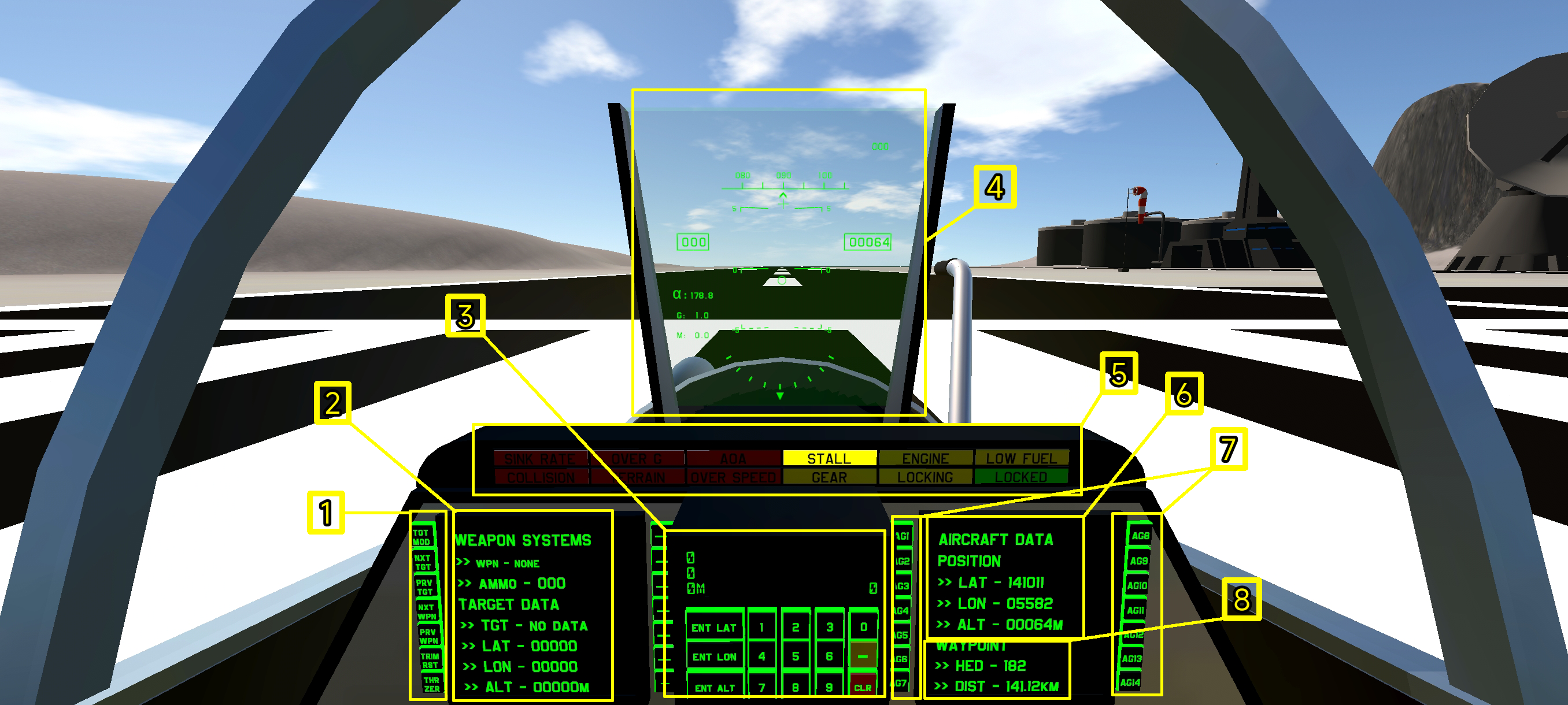
1 standard cockpit button controls
• TGT MOD - cycle targeting mod
• NXT TGT - next target
• PRV TGT - previous target
• NXT WPN - next weapon
• PRV WPN - previous weapon
• TRM RST - resets trim to zero
• THR ZER - sets throttle to zero
2 Weapons and targeting data
• current weapon
• ammo count of the selected weapon
• targeting info
• target position latitude, longitude and altitude
3 Waypoint input
• to set a waypoint, first input the value using the number pad. If the coordinate is a negative number, then press the "-" button after you dial the coordinate. Then, if the value you entered is the latitude press "set lat". If longitude press "set lon" and for altitude "set alt". To move on to the next part of coordinate, press "clr" to clear the current value. To reset the coordinate, press "clr" and "set lat", "set lon" and "set alt". You can only set one waypoint. The distance and bearing to the said waypoint will be displayed in 8. This system is NOT mine. I took it from a forum post a while back and couldn't find it again.
4 HUD (Not mine)
• original
5 Warning lights
• Sink rate - if you are losing altitude too fast
• Over g - g force exceeding 8gs
• AoA - angle of attack exceeding 40°
• Stall - if TAS below 300km/h
• Engine - if either of the two engines is producing less thrust than the other
• Low fuel - fule less than 25%
• Collision - collision with the ground in 10 seconds
• Terrain - altitude above ground level less than 100m
• Overspeed - TAS above 1600km/h (no real consequences but oh well)
• Gear - either gear is deployed when TAS is greater than 600 or not deployed when TAS less than 400 and altitude above ground level is less than 100m
• Locking - locking enemy aircraft
• Locked - enemy aircraft is locked
6 Aircraft position
• Latitude, longitude and altitude
7 Activation gorups
• Ag1 to 8 with an additional 6 (they work as regular ag by writing "Activate-number-" But can only be activated via buttons)
8 Waypoint data
• Bearing to the set waypoint
• Distance to the set waypoint in km
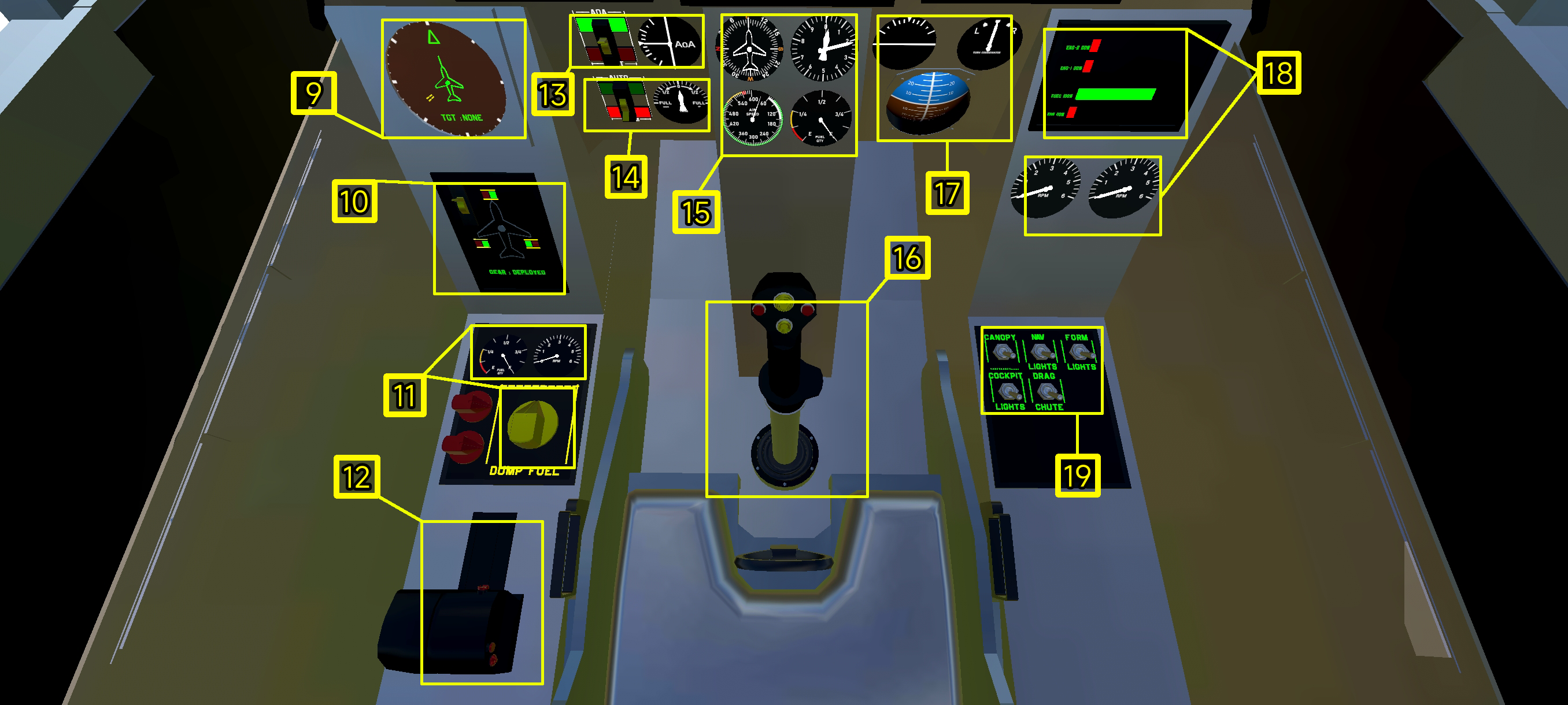
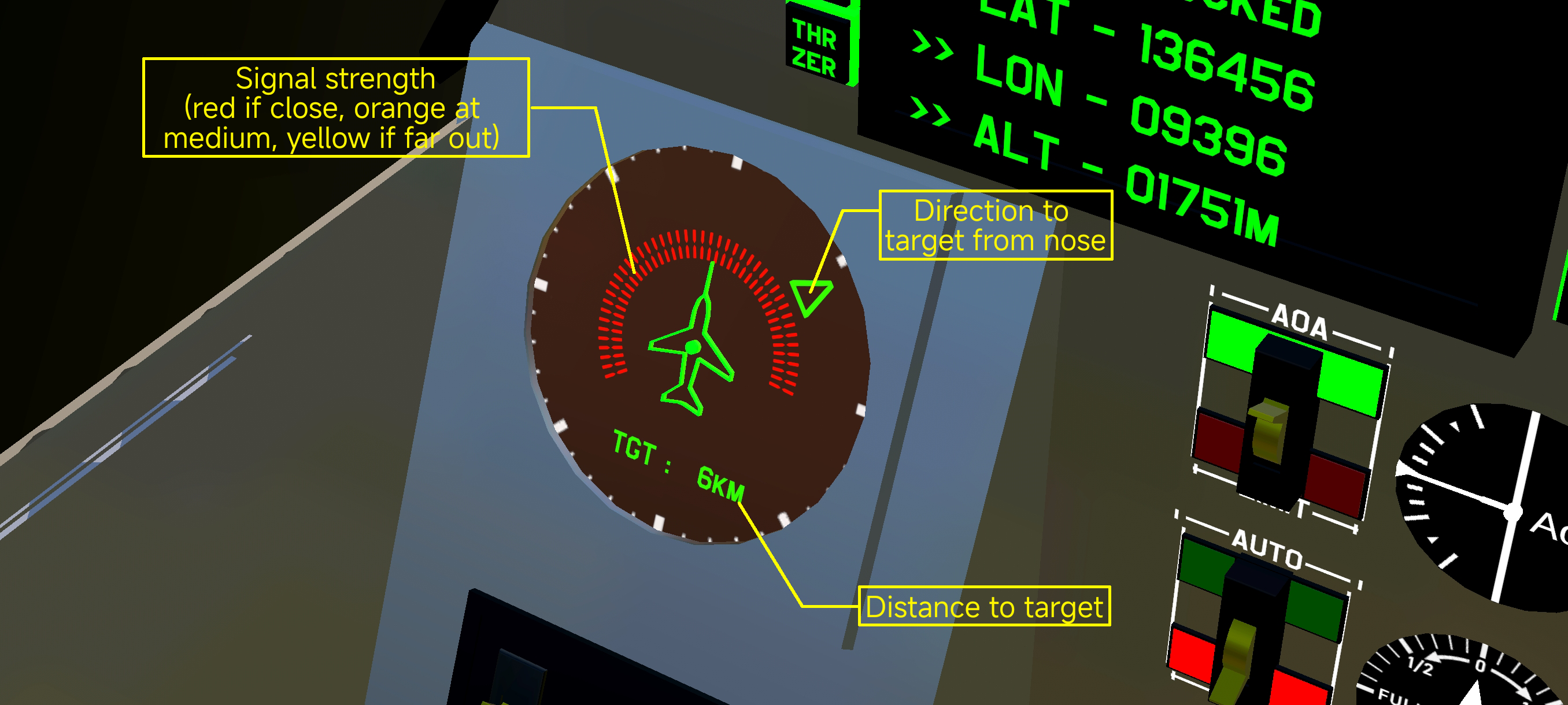
9 RWR (Not really. more like situational awareness)
10 Landing gear
11 Dump fuel (AG7)
• 30 to 40% is the recommend fuel for dogfights. But then there is the risk of running out of fuel. You can decide on what to do.
• Fuel gauge
• Fuel consumption rate
• Button to start the process (yellow. The red ones are cosmetics only)
12 Throttle control
• additionally, for VR players, you can cycle targeting mod (trigger), change target (button 1) and launch countermeasures (button 2)
13 AoA limiter (AG8)
• Turn off AoA limiter
• AoA indicator
14 Auto trim (AG6)
• Turn on auto trim. Recommend for cruising and refueling run. Turn off before hard maneuvering.
• Trim indicator
15 standard cockpit instruments
• compass
• altitude in meters
• air speed on knots
• fuel gauge
16 joystick
• for VR players, trigger for FireGuns, Button 1 for FireWeapons and Button 2 for switching weapons
17 standard cockpit instruments
• Roll angle indicator
• Angle of slip (?)
18 Engine/Fuel/Throttle
• Engine 1 and engine 2 thrust
• Fuel
• Throttle
• Analog thrust indicator
19 Extra controls
• Canopy - AG1
• Navigation lights - AG3
• Formation lights - AG4
• Cockpit lights - AG5
• Drag chute - AG2
Flight procedure
Take off
• Throttle to 100%
• Wait till speed is above 350km/h
• Pitch up gently
• Retract gear
easy enough
Landing
• Line up with the runway
• Reduce throttle below 20%
• speed should be below 400km/h
• Maintain a nose up attitude
• Throttle to zero and full brake after touch down. Deploy drag chute (AG2) to slow down sooner.
shouldn't be a problem. Right?
Fancy a cobra?
• Turn off AoA limiter (AG8)
• Reduce throttle to below 40%
• Wait till TAS is less than 500km/h
• Pull back hard
• Recovers rather easily
• Make sure you have enough altitude

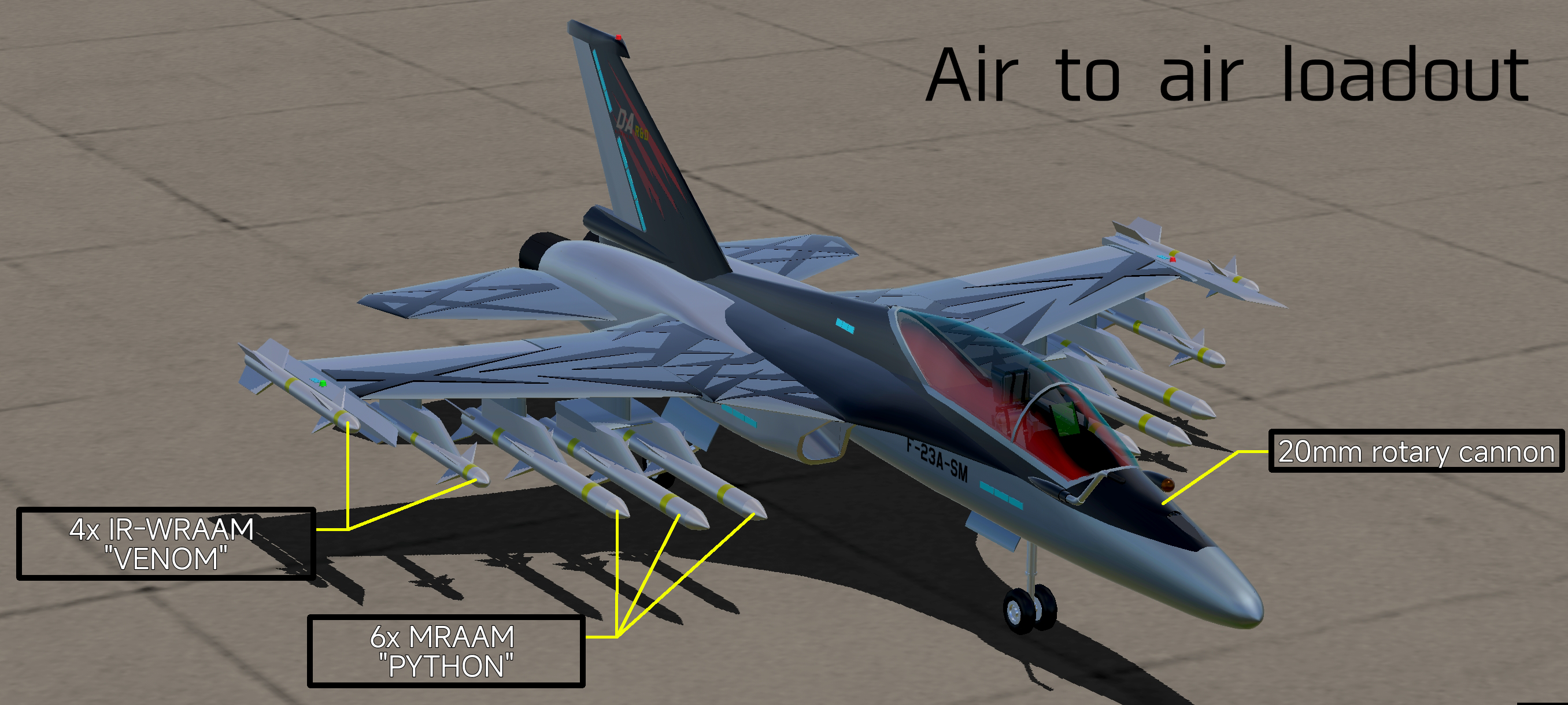
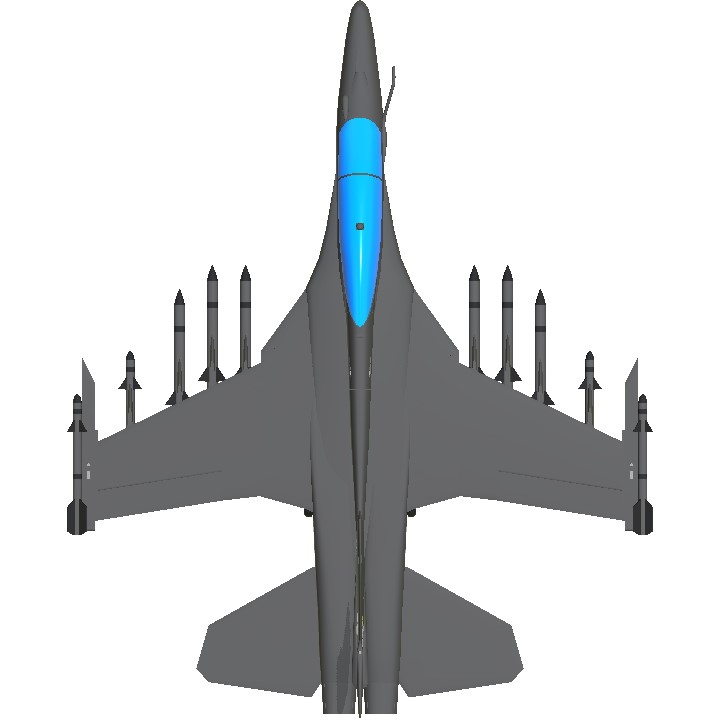
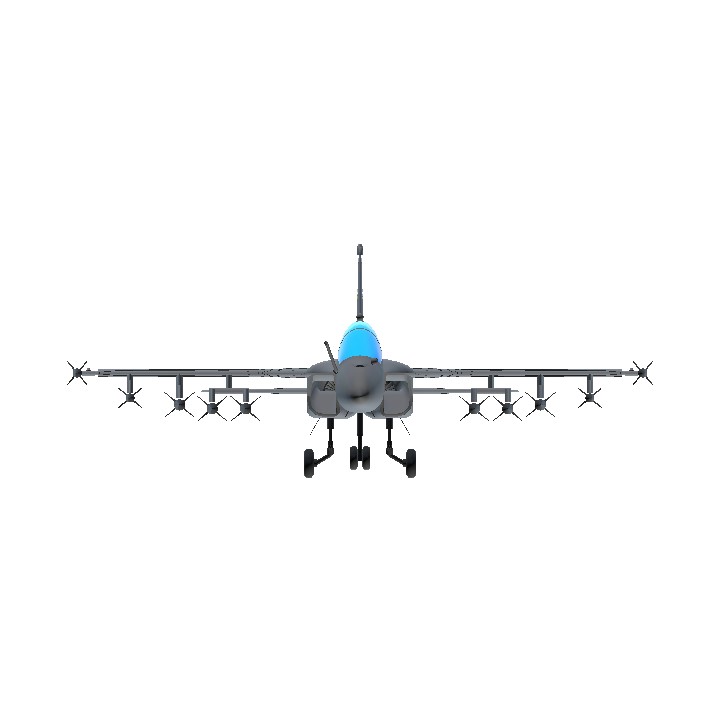
Current loadout
Gallery

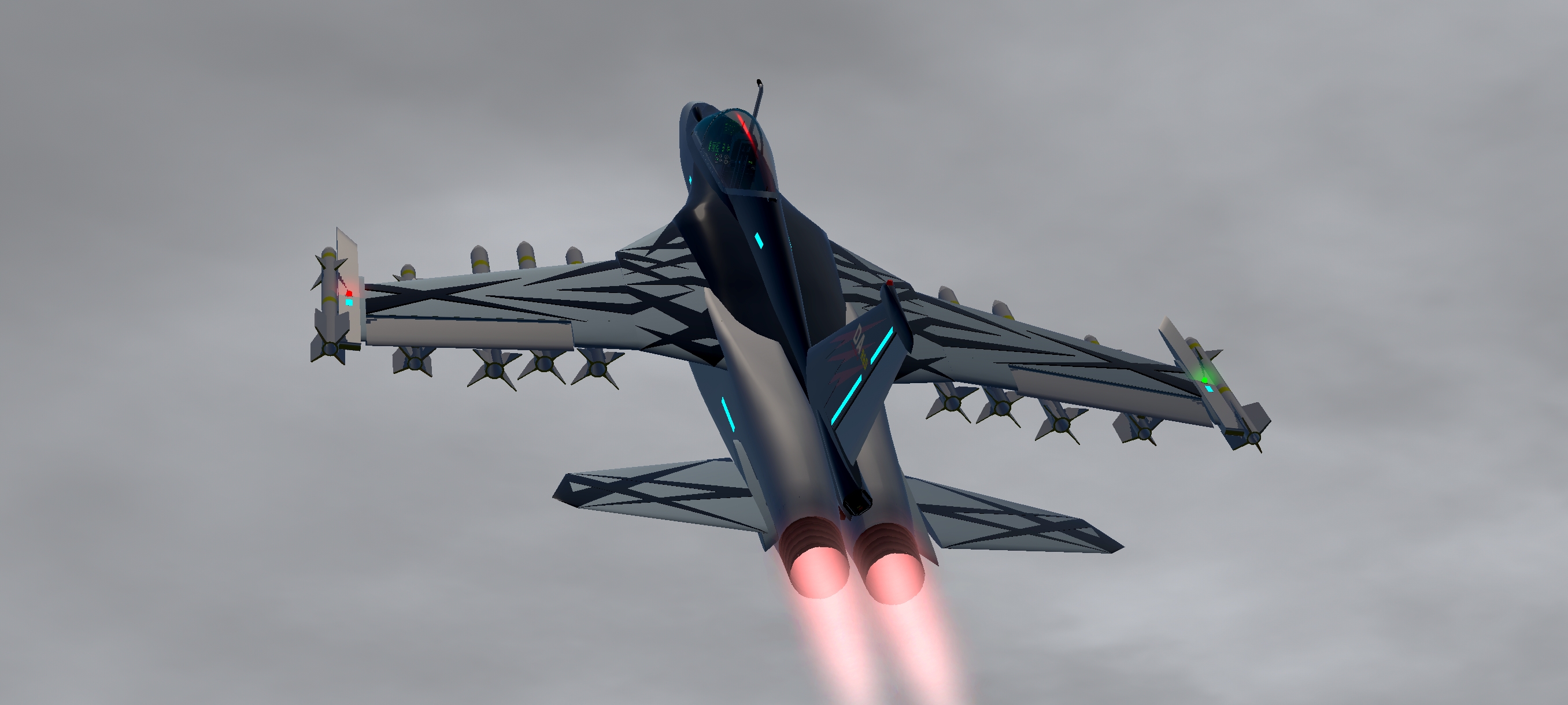

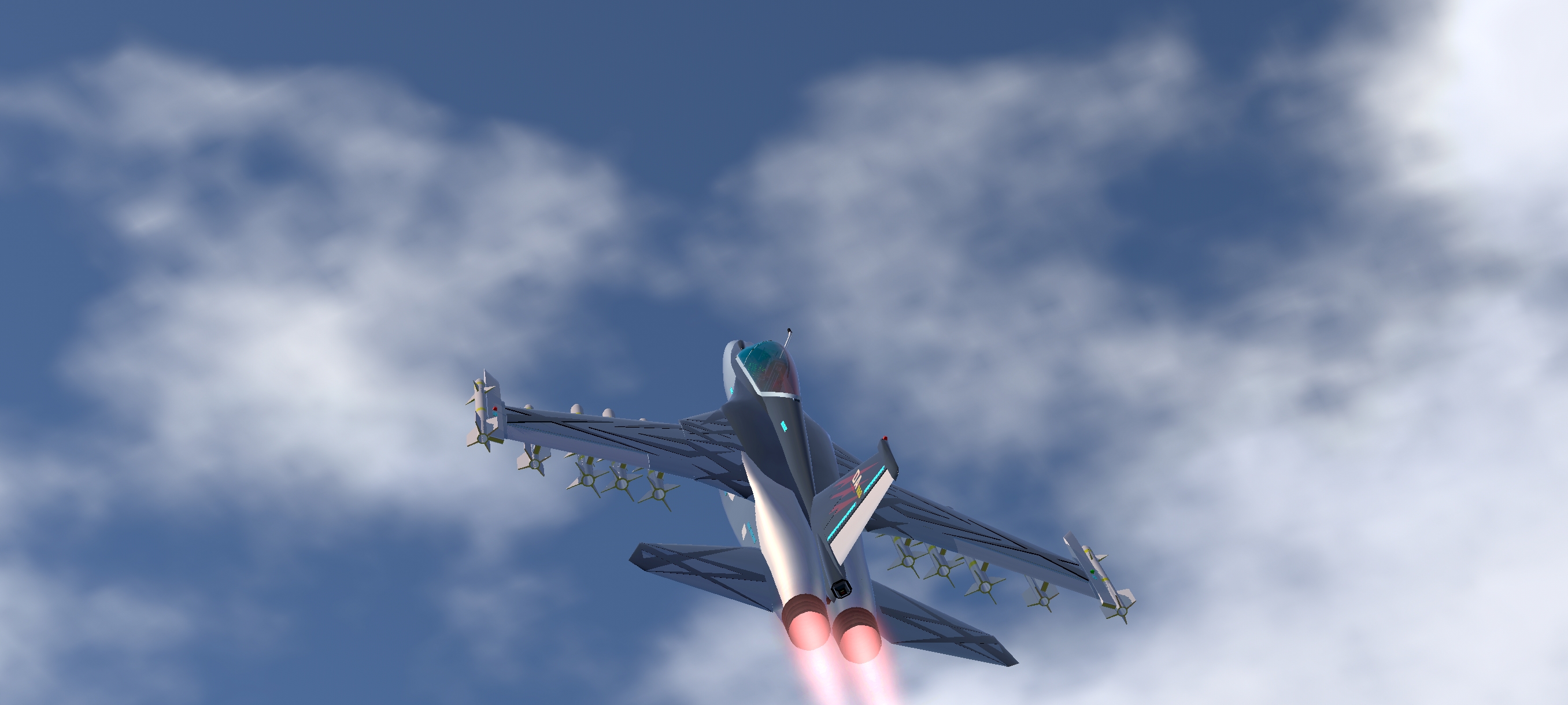

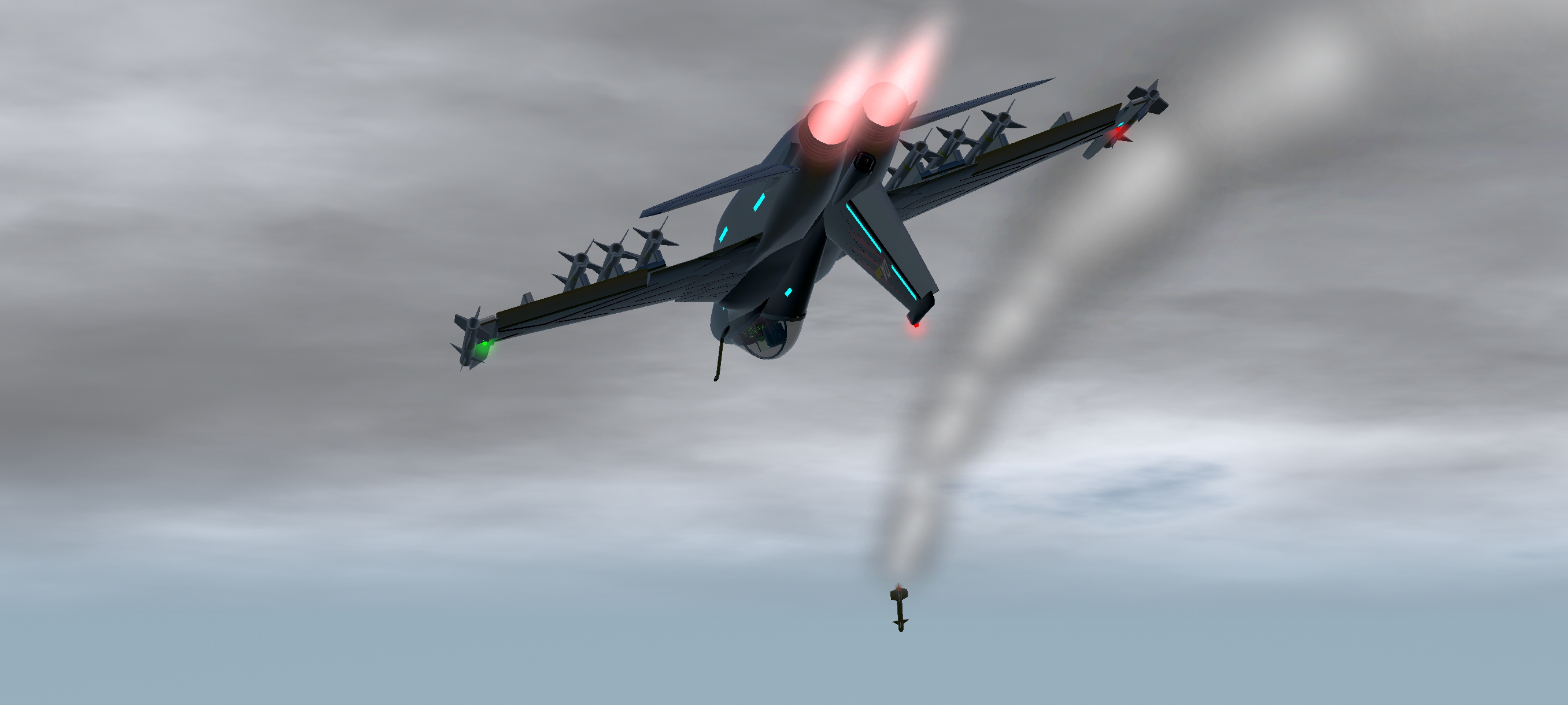
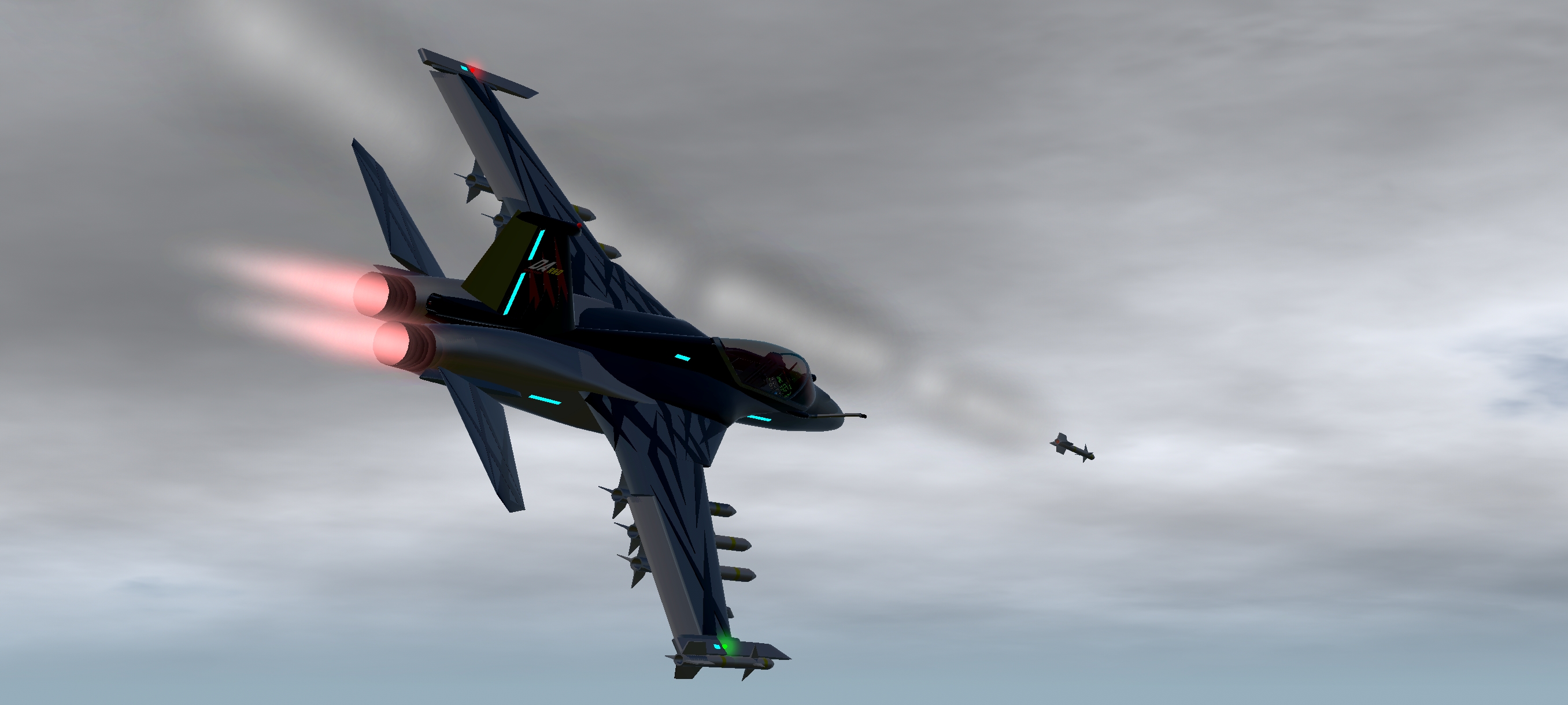
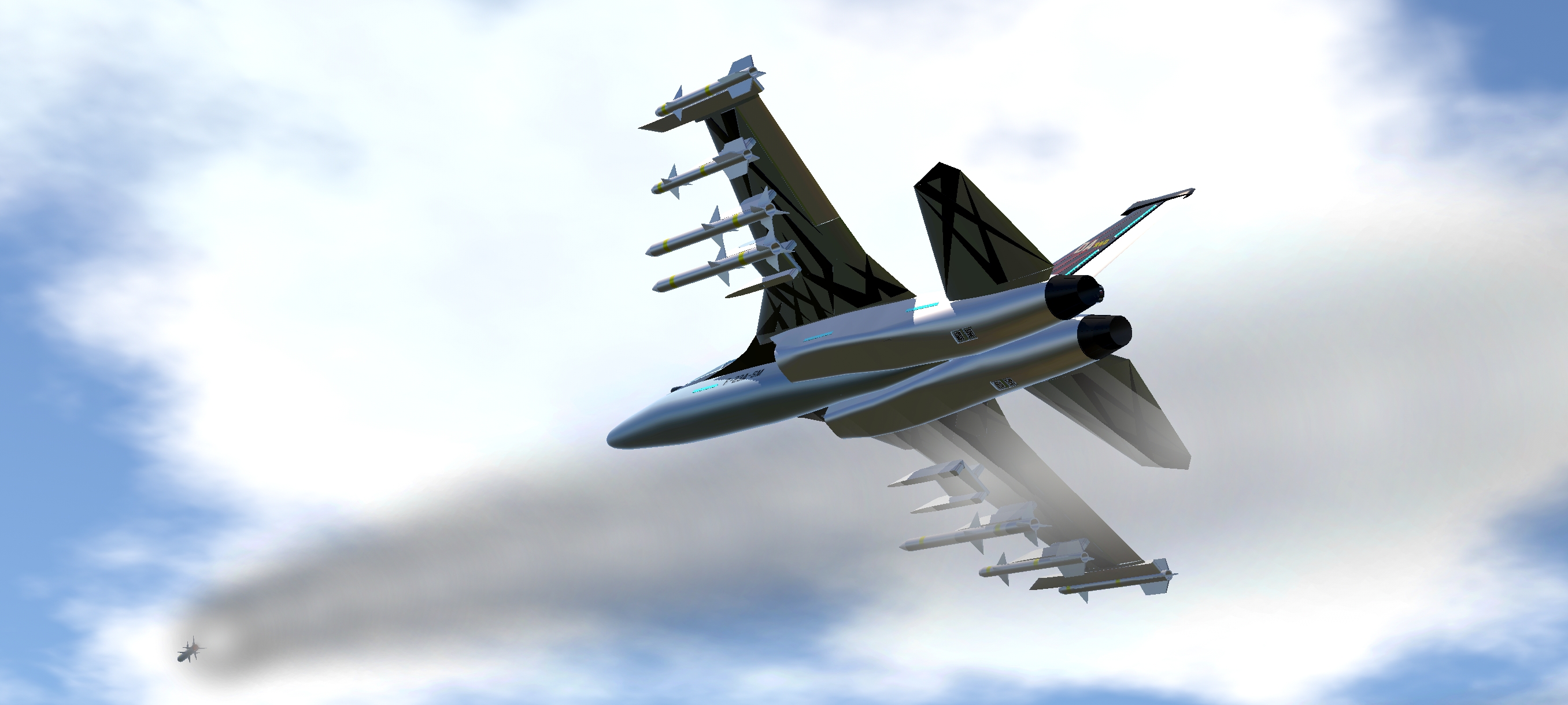
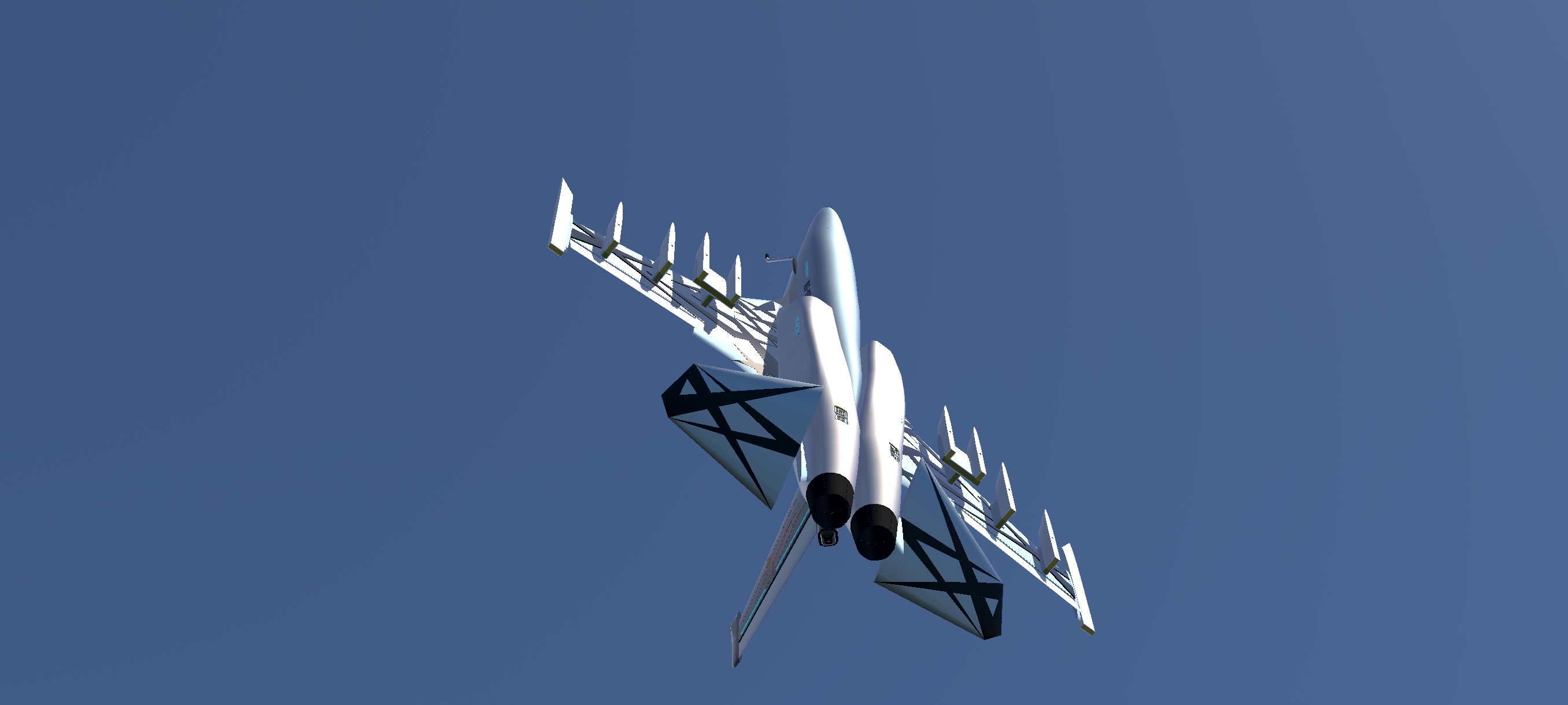
some paint scheme options (you don't have to follow them)
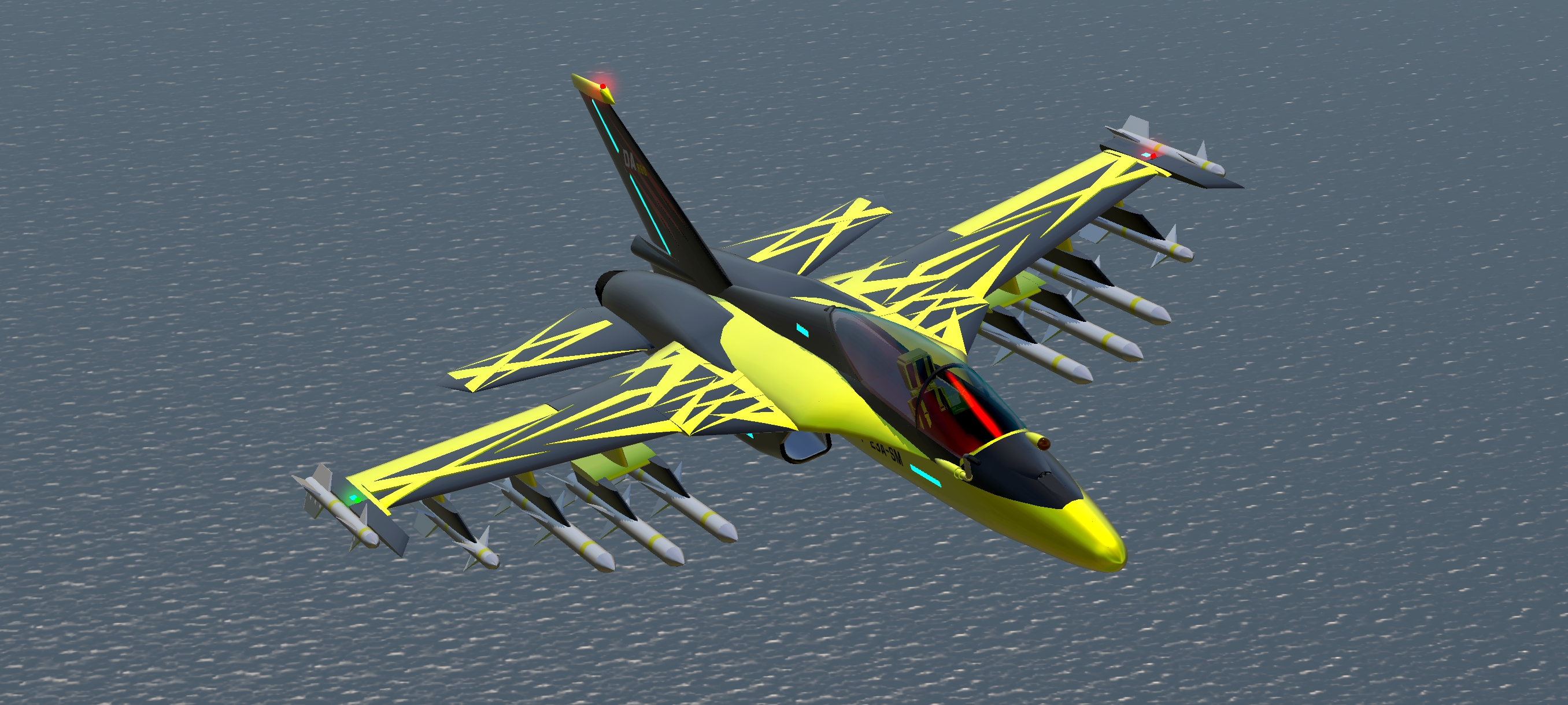
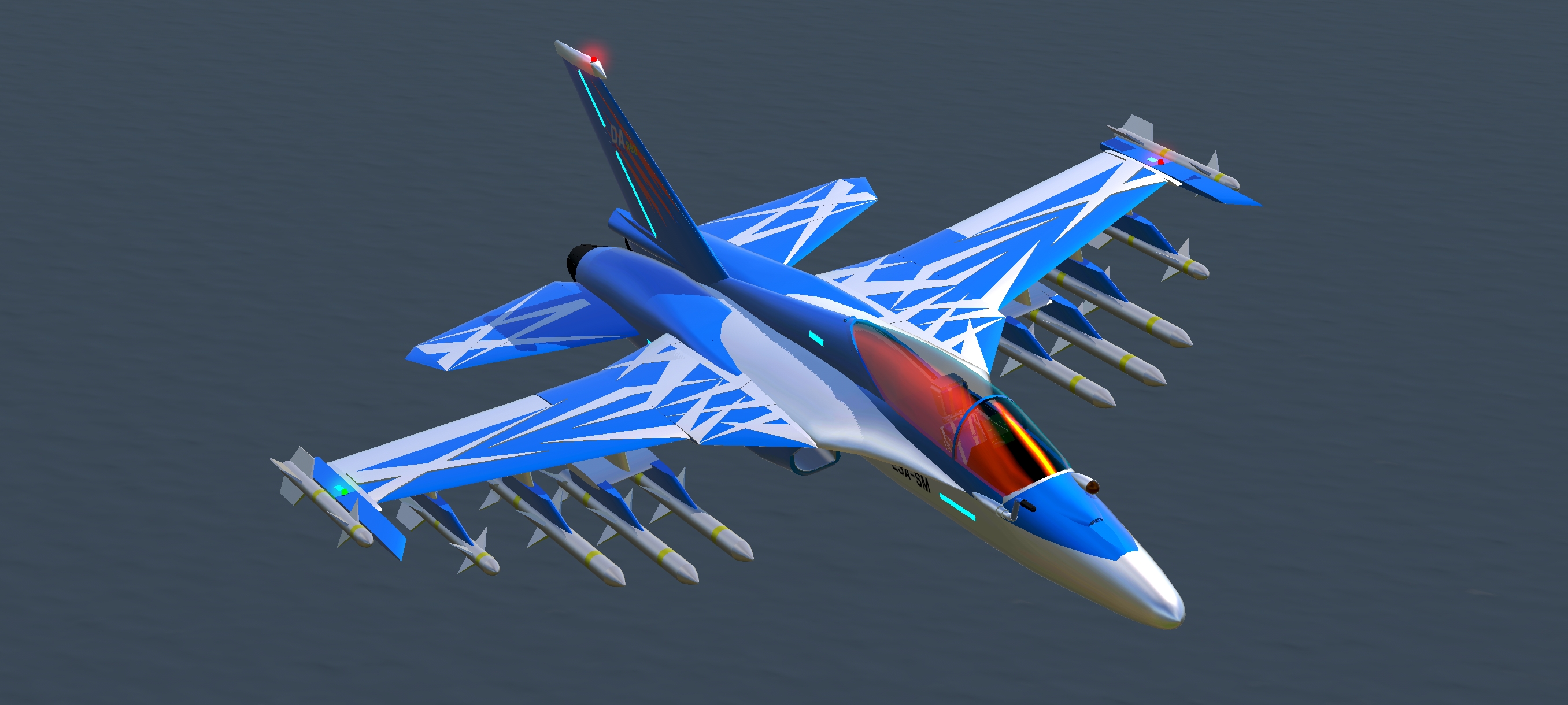
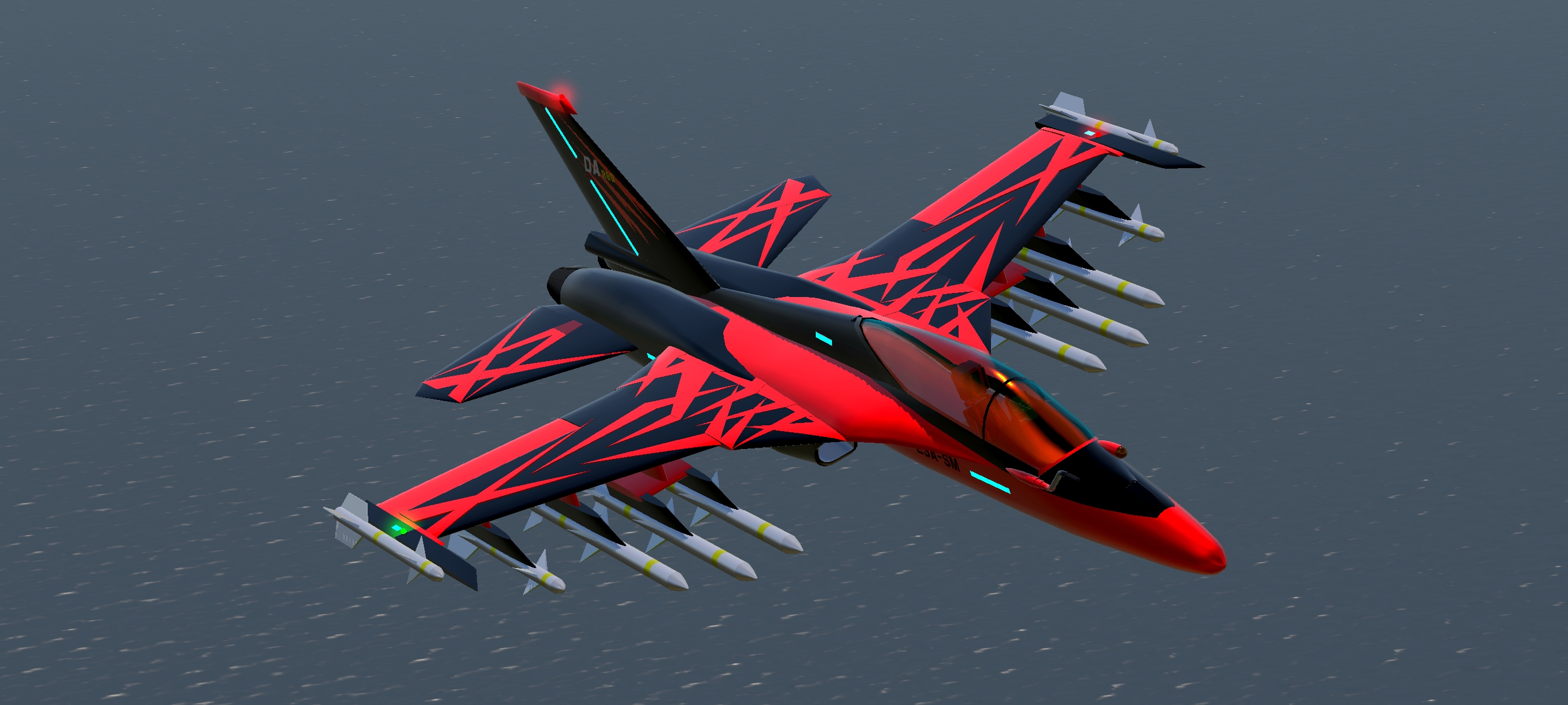
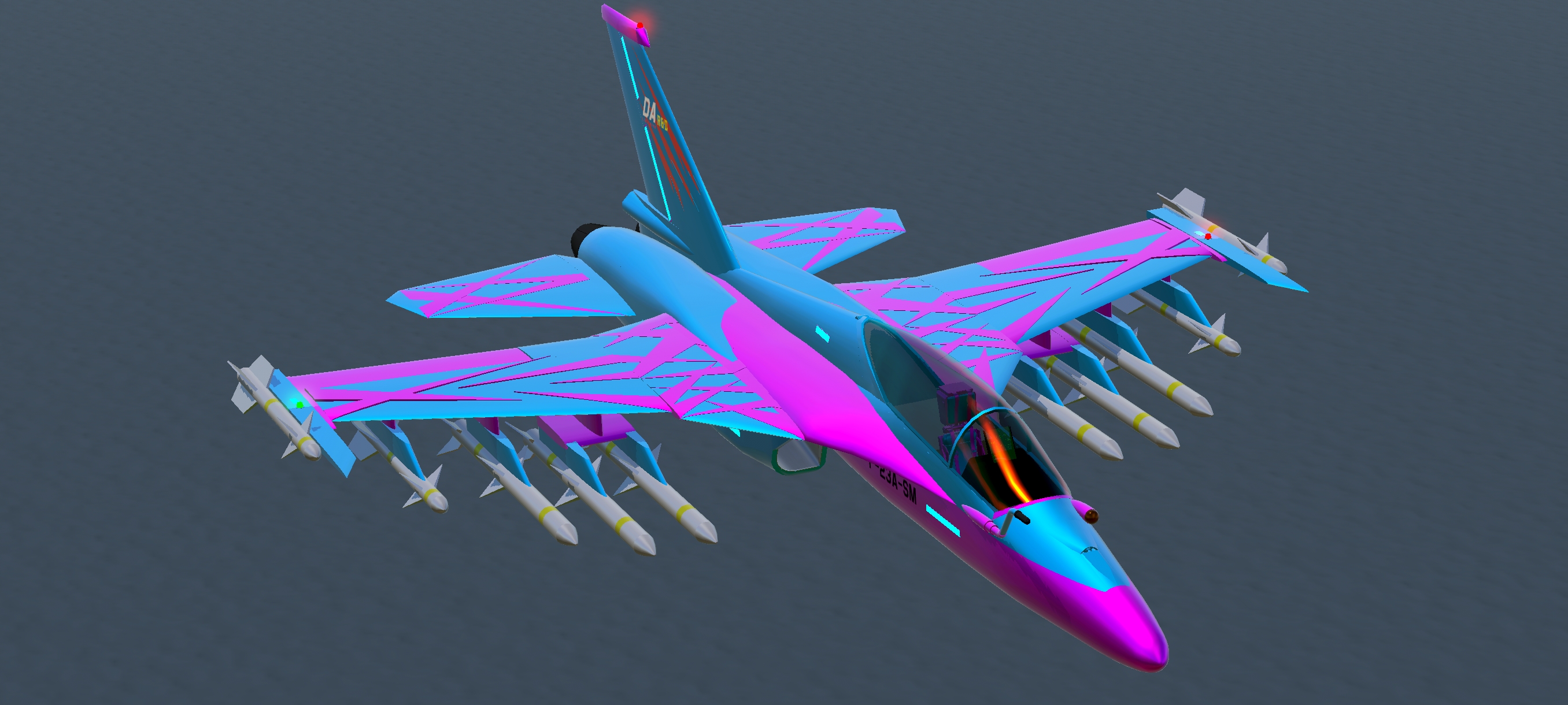
Paint vomit (looked better in my head)

For a more mobile friendly version click
almost half the part count with less than half the performance cost. At the cost of no fancy camouflage and no cockpit interior
That'll be it for now. Until next time...........whenever that is.....
Specifications
Spotlights
- Noname918181818181818181 9 hours ago
General Characteristics
- Created On Android
- Wingspan 38.2ft (11.6m)
- Length 47.8ft (14.6m)
- Height 15.4ft (4.7m)
- Empty Weight 27,515lbs (12,480kg)
- Loaded Weight 39,923lbs (18,108kg)
Performance
- Power/Weight Ratio 1.519
- Wing Loading 102.7lbs/ft2 (501.3kg/m2)
- Wing Area 388.8ft2 (36.1m2)
- Drag Points 3034
Parts
- Number of Parts 673
- Control Surfaces 3
- Performance Cost 4,105
Turns out the switch for drag chute is set to activate 3 which is nav lights.
Uhhh....
Oh well
+aura for psm stuff.
lovely!!!
@TheLoadingGorilla thanks
@DynamicHorizon oh damn
YEEEEEEEAAAAAAAAAAHHH I love this thing!!! Also, the paint options are great.
@OverlordPrime On my Phone is blow type on 15 FPS Run this
@DynamicHorizon
@TheLoadingGorilla
@SuperSuperTheSylph