

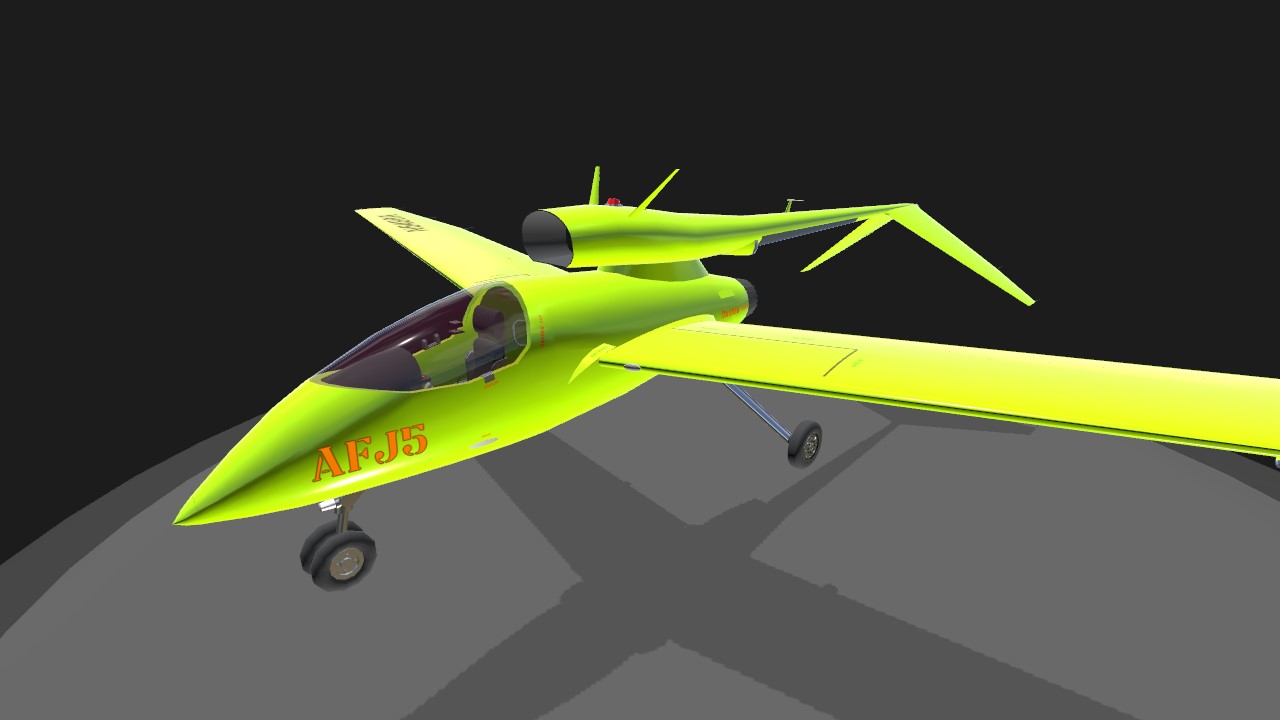
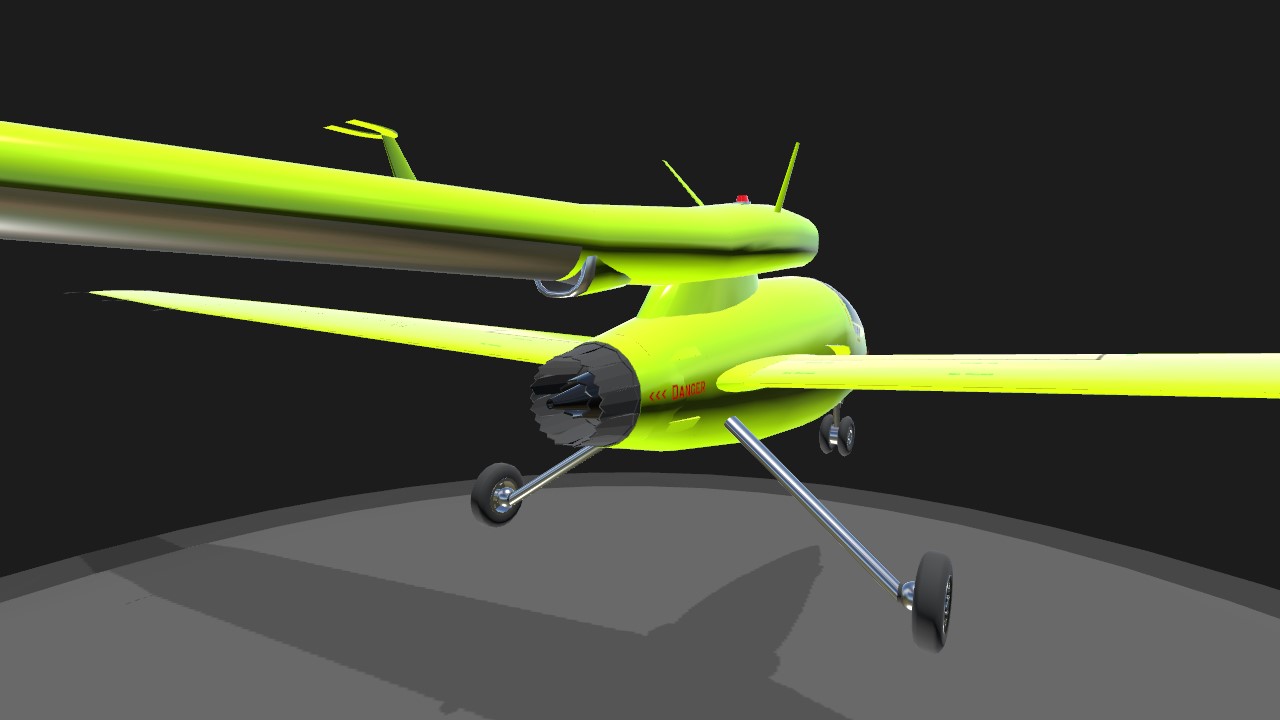
Ahtzee's Fast Jet 5 Version 1.0
=======================
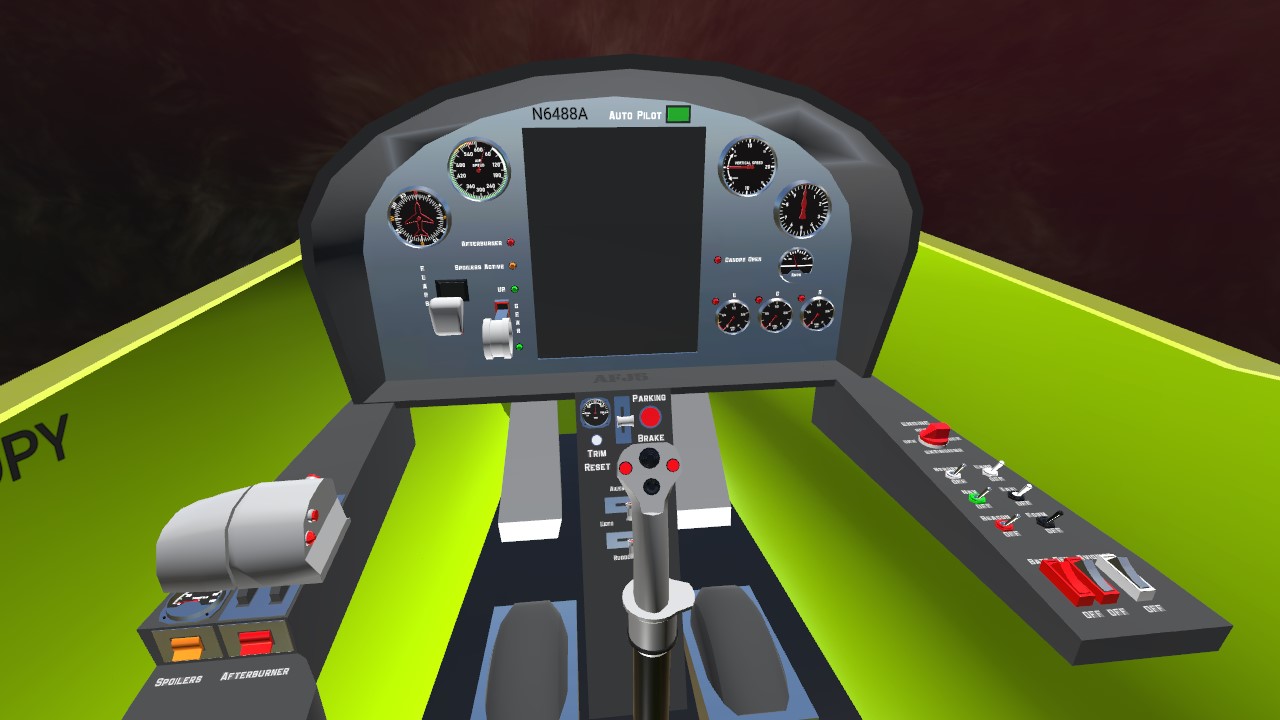
CONTROLS AG1 - Land Lights AG2 - Taxi Light VTOL Down - Wing Flaps AG7 - Auto Pilot Cam1 - Pilot View (Additional controls such as Spoilers & Afterburner are in Pilot View.)
=======================
CHECKLIST
START UP Parking Brake - [ON] Battery - [ON] Beacon - [ON] Navigation - [ON] Engine - [RUN] Generator - [ON] Avionics - [ON]
TAXI Strobe Lights - [ON] Taxi Light - [ON] Parking Brake - [OFF] Wing Flaps - [up to 15] (If needed.)
HOLDSHORT RUNWAY Landing Lights - [ON] Taxi Light - [OFF] Spoilers - [ARM] (Spoilers activate with Brakes.)
TAKE OFF Throttle - [70%] (Rotate 100 Knots IAS) Throttle - [60%] Gears - [UP] Wing Flaps - [00] Landing Lights - [OFF] Spoilers - [OFF]
CLIMB Throttle - [50%] (Adjust as needed.) Strobe Lights - [OFF] Afterburner (optional) - [ON] (Requires Throttle>97%)
CRUISE (Optimal cruise efficiency 40-50% Throttle, depending on altitude. AG7 for Auto Pilot if needed.)
DECENT Throttle - [10-20%] (Adjust as needed.) Spoilers - [ARM] Strobe Lights - [ON] (If Afterburner is ON, turn it OFF.)
APPROACH Wing Flaps - [15] Landing Lights - [ON] Gears - [DOWN] Throttle - [5-10%] (Adjust as needed.) Wing Flaps - [30] (Flare at 80 Knots IAS)
TAXI Taxi Light - [ON] Landing Lights - [OFF] Wing Flaps - [00] Spoilers - [OFF]
SHUTDOWN Parking Brake - [ON] Taxi Light - [OFF] Strobe Lights - [OFF] Avionics - [OFF] Generator - [OFF] Engine - [OFF] Navigation - [OFF] Beacon - [OFF] Battery - [OFF]
=======================
Thank you for flying! AASI
Specifications
Spotlights
- Zerkk 3 months ago
General Characteristics
- Created On Windows
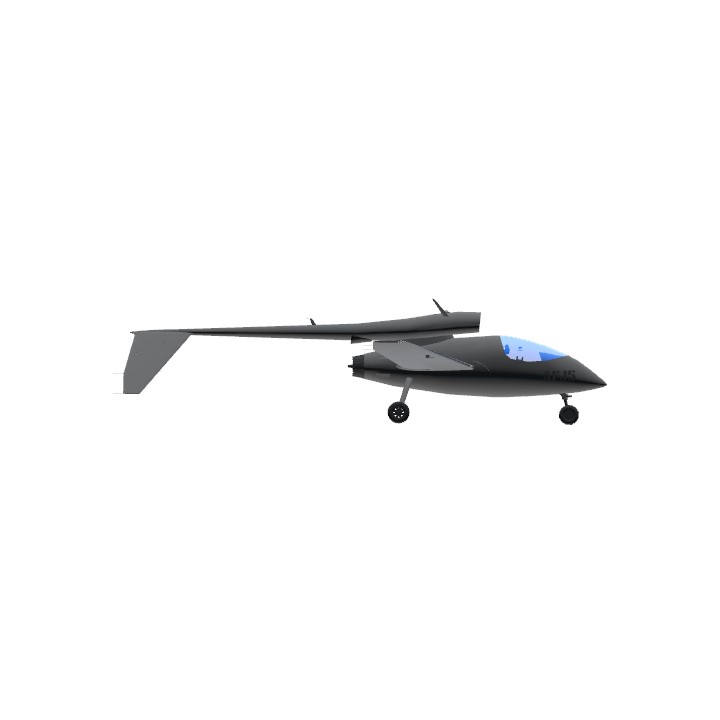
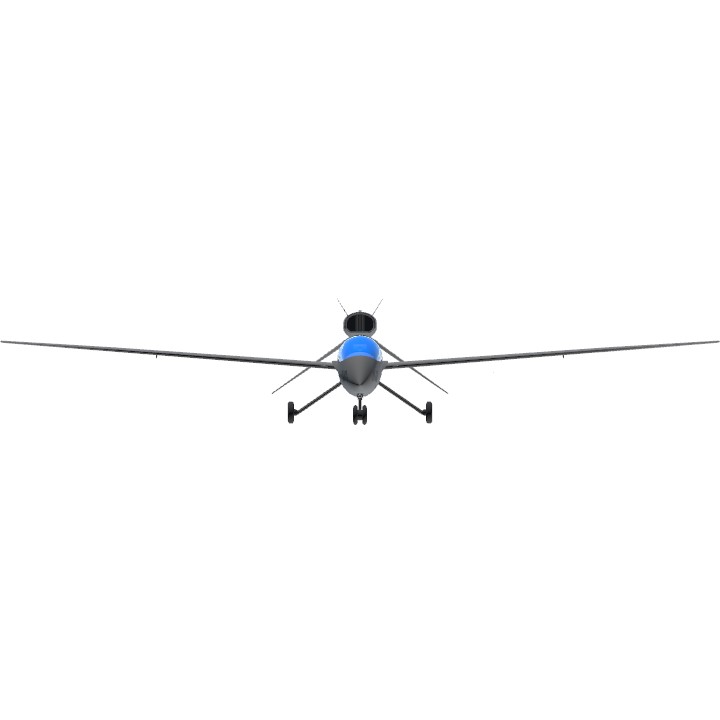
- Wingspan 52.6ft (16.0m)
- Length 36.2ft (11.0m)
- Height 10.2ft (3.1m)
- Empty Weight N/A
- Loaded Weight 4,277lbs (1,940kg)
Performance
- Power/Weight Ratio 5.07
- Wing Loading 12.2lbs/ft2 (59.7kg/m2)
- Wing Area 349.9ft2 (32.5m2)
- Drag Points 2479
Parts
- Number of Parts 269
- Control Surfaces 8
- Performance Cost 1,536
@Ahtzee They were secretly working on sp2
@StockPlanesRemastered thats weird, you'd think jundroo would put the lever i used in the vr version.
@Ahtzee yeah you just need to replace the flaps lever with the original one (the one you have for landing gear)
@StockPlanesRemastered oh so I don't need to update it? Btw the wing flaps require battery to operate the flaps. I did it that for simulation reasons. Or is the wing flaps lever just gone in vr?
@Ahtzee the two newer levers were added after the last update to vr, and jundroo never updated vr to add there assets.
@StockPlanesRemastered ok thanks, ill look into the flaps lever.
I will not curate this aircraft, but I will give it a review.
Controls reach: 10/10
Fun to fly? 10/10.
Cockpit detail? 9.95/10
Realistic flight? This one doesn't really matter: 5/10
Easy to fly? 10/10
Startup and operation sequence? (craft requires fuel and battery to be turned on for operation) 10/10
I have one issue with it and the reason I am holding it to standard is that I wish curators had done the same with me when I was starting out making vr builds.
It doesn't have a flaps lever. Though it looks like you tried to add one and it may be broken.
I would like to see you fix this one issue. You can update the xml with the new one.
Then, I would be happy to curate this build.
@42 I just post once in a blue moon :)
YOU’RE BACK!?