

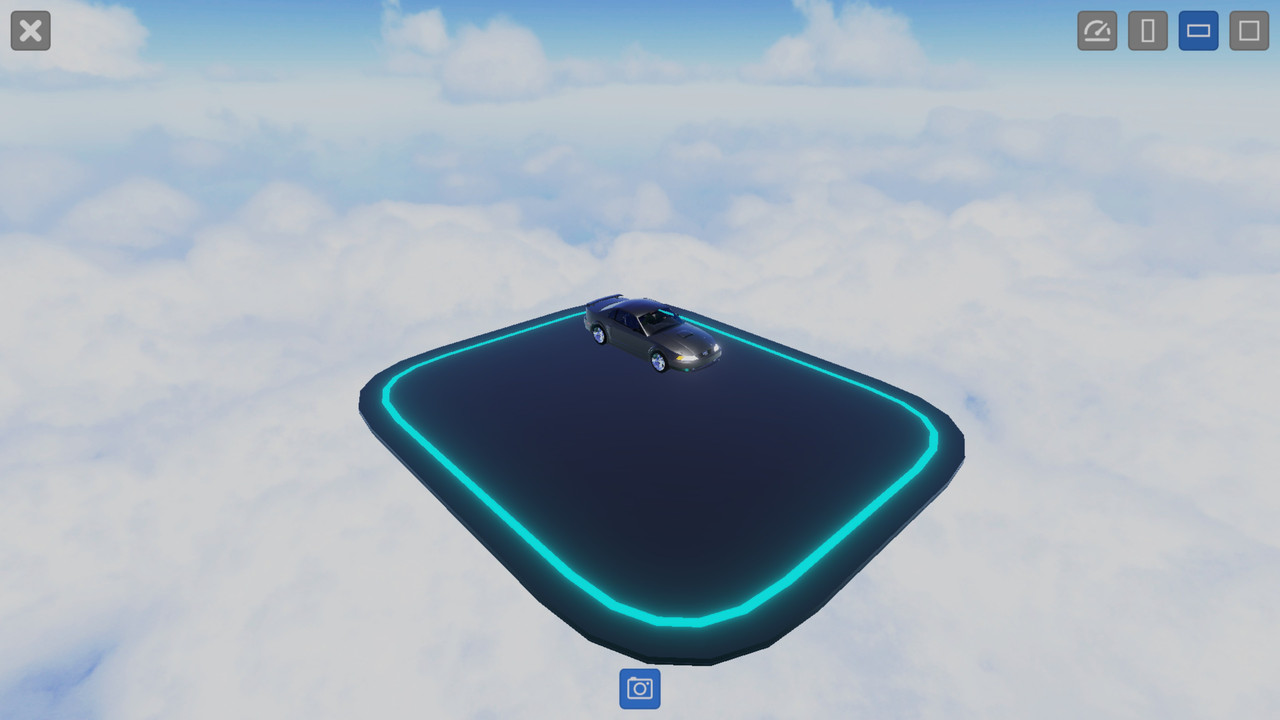
When I try to report a bug the game demands that I add a screenshot to the report. I press "Add Screenshot" the game then takes me to a screenshot capturing view with a blue button with a camera symbol on it. When I click it I hear a kind of a camera shutter sound effect while the UI disappears for a few seconds, I'm still able to move the camera though, mind you. I'm guessing the game is supposed to take the screenshot at some point during this time period and attach it to the report, but it doesn't do this for me.
I've heard from a few other people now that they haven't encountered this issue, but I've had this problem all the way back from the first demo. I briefly mentioned it then in a forum post talking about another bug that seems to have been fixed since. I've now tried taking taking the screenshots during gameplay outside the designer, logging out of my account and re-installing the game entirely, nothing has helped.
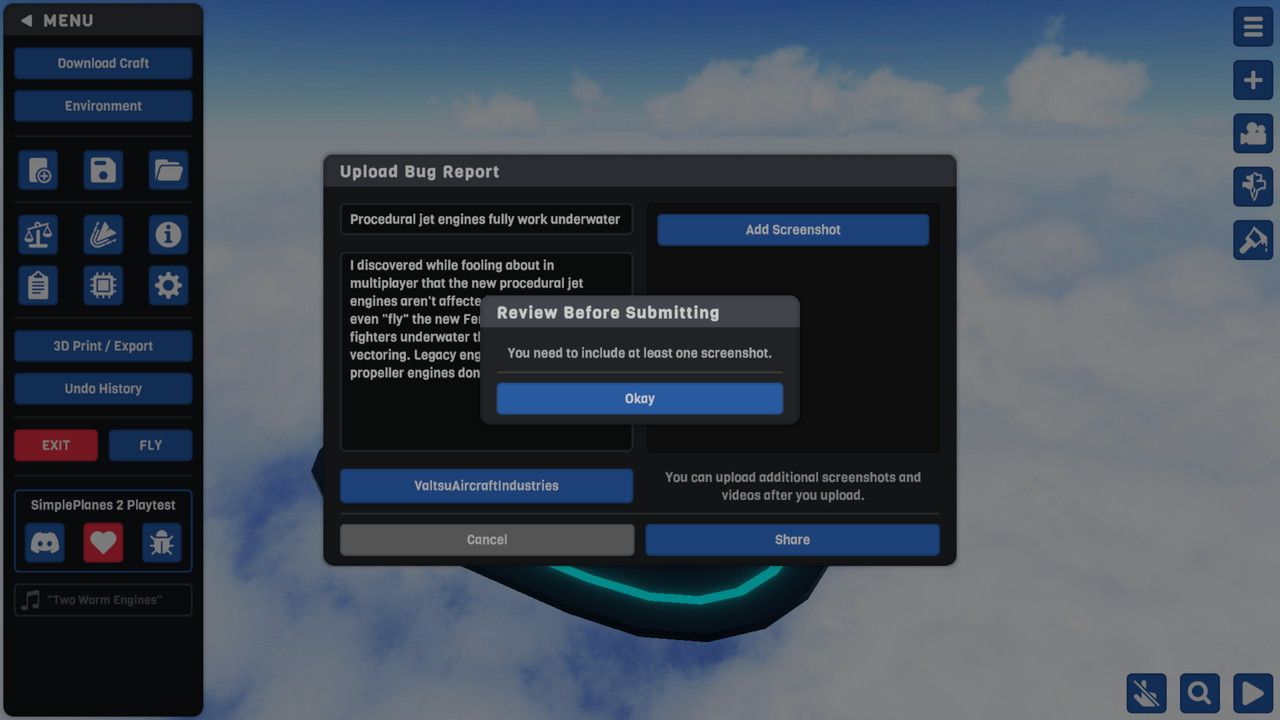
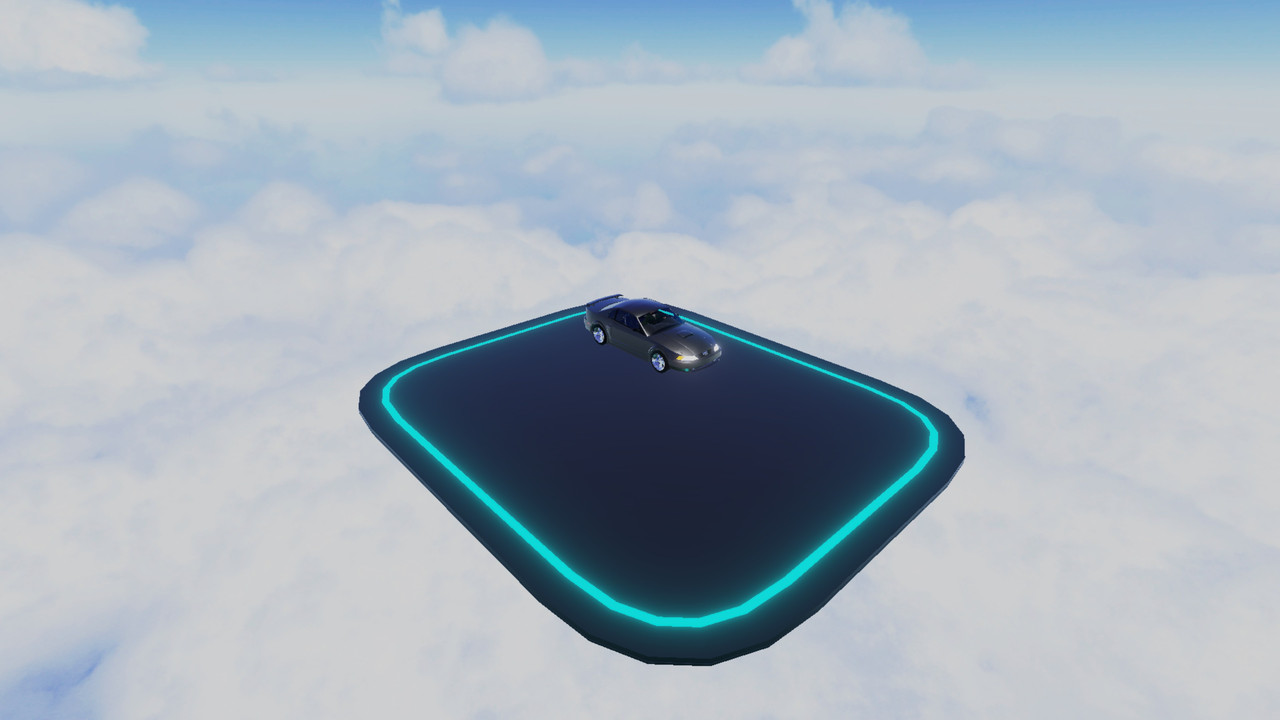
P.S. Someone on the Discord told me the devs are already aware of the engine issue when they saw this image. Basically the new procedural jet engines work underwater. Though I've found another, much more severe bug related to the function of the cars' transmissions. I guess I'll just make a forum post of that as well, if I can't find a way to make this work.
@TheLoadingGorilla Yeah a couple of people on the Discord are saying the same. What's the exact process you followed?
Do you click "Add Screenshot", click the now visible blue button with the camera symbol on it at the bottom-center of the screen, then hear a kind of camera shutter sound while the UI disappears for a couple of seconds and does the image then get automatically attached to the report? And I take it you had logged in prior?
That's how it is for me except it doesn't attach the screenshot to the report.
It worked for me.